Backup Strategy
graph LR
  Card[CFexpress/XQD/SD Card] --> Client{Client work?};
  Client -->|Yes| SSD[SSD];
  Client -->|No| LrC[Lightroom Classic!];
  SSD --> LrC
  LrC <-->|Storage| HDD[HDD]
  HDD <-->|Sync| DS920[NAS 1 - DS920 ]
  DS920 -->|Backup| PR4100[NAS 2 - PR4100]
CFexpress/XQD/SD Card->SSD(on Site Backup)- Import to
Lightroom Classicwhen back, this will add the Pictures to the HDD
Tip
For a non-clientwork/personal shoots, I don't backup to an SSD on site, I import directly form the Card to Lightroom Classic
Note
Here will be a List with the Import Template/Preset, maybe even a downloadable File
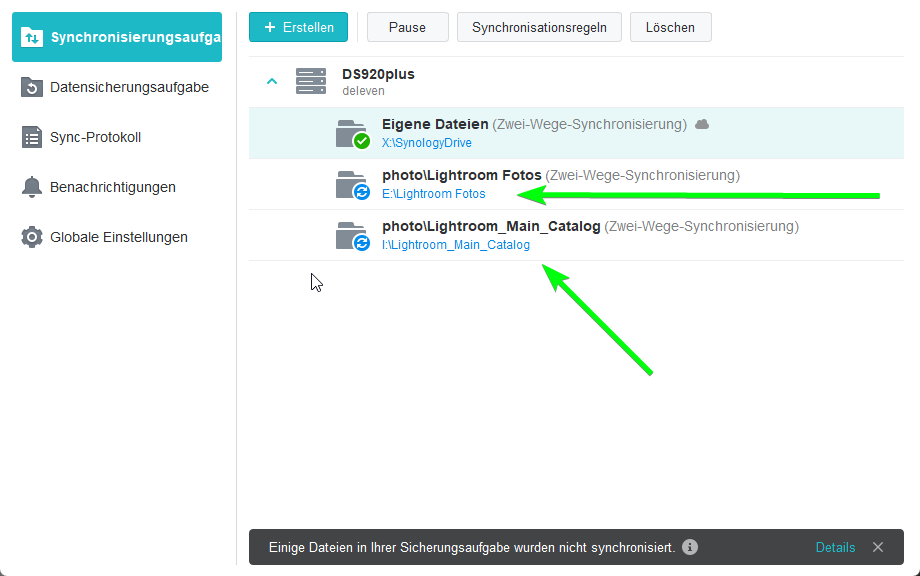
- HDD will autosync to
/photoson theDS920+ NASvia